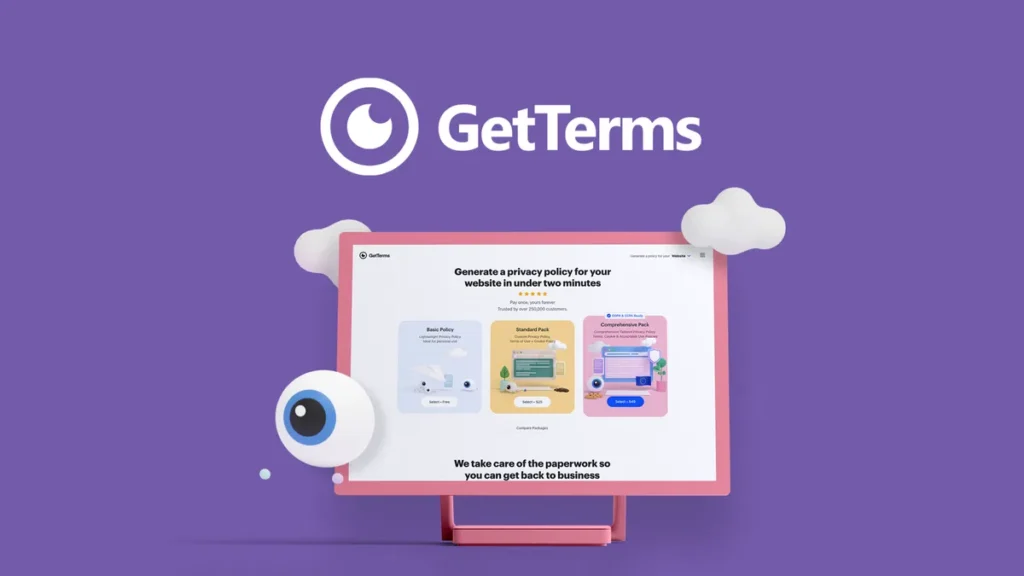
Well, if you’ve ever tried to write your own privacy policy or terms of service from scratch, you probably know how quickly it turns into a legal headache. That’s exactly the gap GetTerms tries to fill: it gives you a fast, practical way to generate the key legal pages your website or app needs, without forcing you to become a lawyer overnight.
What is GetTerms?
GetTerms is an online policy generator focused on data privacy and website/app compliance. Instead of handing you a generic template and wishing you luck, it walks you through a short, guided questionnaire and then builds tailored documents like privacy policies, terms and conditions, cookie policies, acceptable use policies, and more based on your answers.
Think of GetTerms as a specialized assistant that understands privacy regulations, asks you the right questions about your business, and then turns that information into clear, structured legal content you can publish directly on your site.
Guided policy generation, step by step
One of the strongest aspects of GetTerms is how it turns something intimidating into a straightforward, almost mundane task.
Instead of dumping a wall of legal jargon on you, GetTerms asks practical questions like:
What kind of data do you collect (names, emails, payment details, analytics, etc.)?
Do you use third‑party tools such as Google Analytics, email marketing platforms, or payment processors?
Are you serving users in regions covered by regulations like GDPR or CCPA?
Do you run a standard website, an e‑commerce store, a SaaS product, or a mobile app?
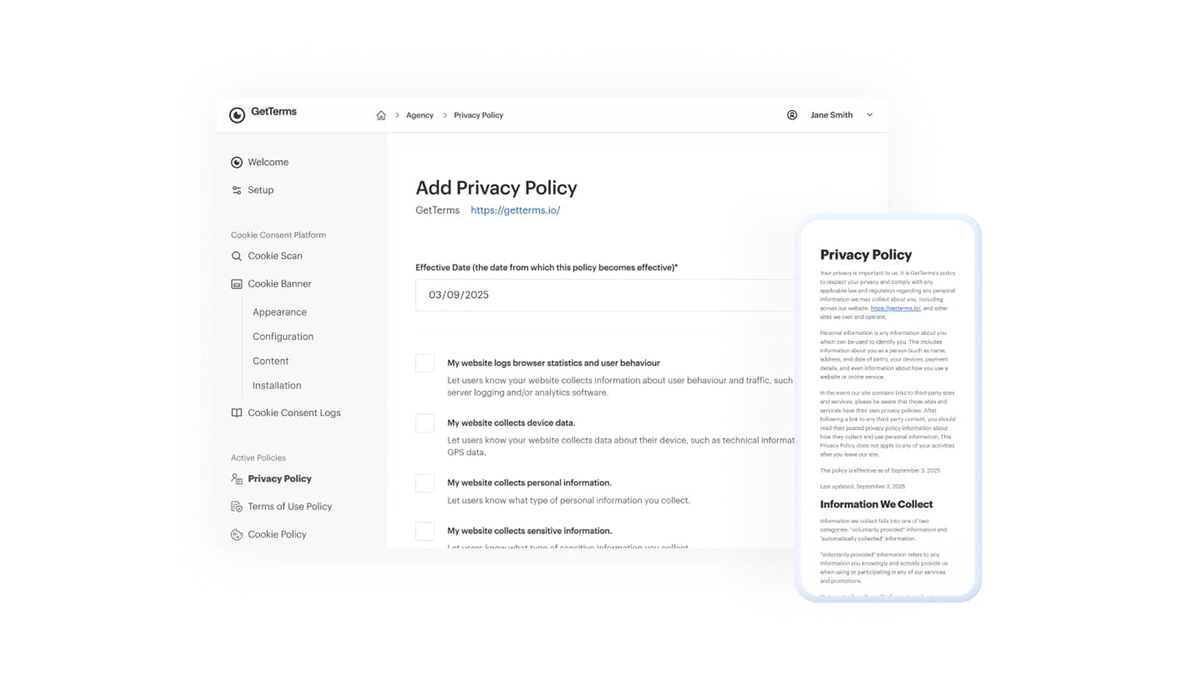
Once you’ve ticked the boxes and filled in a few basic details, GetTerms assembles a full policy with sections that match your reality: how data is collected, how it’s used, what rights users have, how cookies work on your site, and so on.
For a small business owner or solo developer, this feels a bit like using a tax-filing wizard instead of manually reading the tax code line by line.
Privacy policies tailored to real use cases
Privacy policies are the core of what GetTerms does. Rather than giving you a one-size-fits-all text, it adapts the content based on your configuration.
For example, if you only collect email addresses via a contact form and use basic analytics, your generated policy will stay lean and focused on those points. If you’re running a subscription-based SaaS with payments, user accounts, and marketing automation, GetTerms adds more detailed sections to cover things like billing information, account data, and third‑party services.
A typical real-life scenario:
Imagine a freelance designer building sites for local businesses. One client runs a simple brochure site with a contact form. Another has a full online store with checkouts and remarketing pixels. With GetTerms, the freelancer can generate a lightweight privacy policy for the first client and a more robust, compliance-aware policy for the second—without writing a single paragraph from scratch.
Terms and conditions, cookie policies, and more
Although privacy policies tend to get the spotlight, GetTerms doesn’t stop there. It can also generate:
Terms and conditions (or terms of service) that define how users can use your site or app, what’s allowed, what’s restricted, and how disputes are handled.
Cookie policies that spell out what cookies are used, why they’re used, and how visitors can manage them.
Additional documents like acceptable use policies or refund/return policies, depending on how you configure your project.
In practice, this means you can set up an entire “Legal” section for a new site in a single sitting. For agencies and developers who spin up many sites per year, GetTerms can become part of the standard launch checklist—right after configuring DNS and installing analytics.
Built with compliance in mind
Actually, the real value of a tool like GetTerms isn’t just that it generates text; it’s that the text is designed around modern privacy regulations.
The platform is built to help you address requirements from frameworks like GDPR, CCPA and other major privacy laws. You’re not just getting a vague “we respect your privacy” paragraph—you’re getting structured sections that talk about:
Legal bases for processing data (where applicable).
User rights, such as access, correction, deletion, and data portability.
Data sharing with third parties and service providers.
International transfers when relevant.
Of course, no generator can fully replace a lawyer for highly complex situations. But for the vast majority of small businesses, blogs, e‑commerce shops, and apps, GetTerms provides a realistic, grounded starting point that’s far more aligned with current laws than a random free template you found in a forum three years ago.
Cookie consent and banners
Cookies are where a lot of websites quietly drift out of compliance. You install analytics, a chat widget, or an ad pixel, and suddenly you’re dropping multiple cookies on visitors without any proper consent mechanism.
GetTerms tackles this side of the problem with:
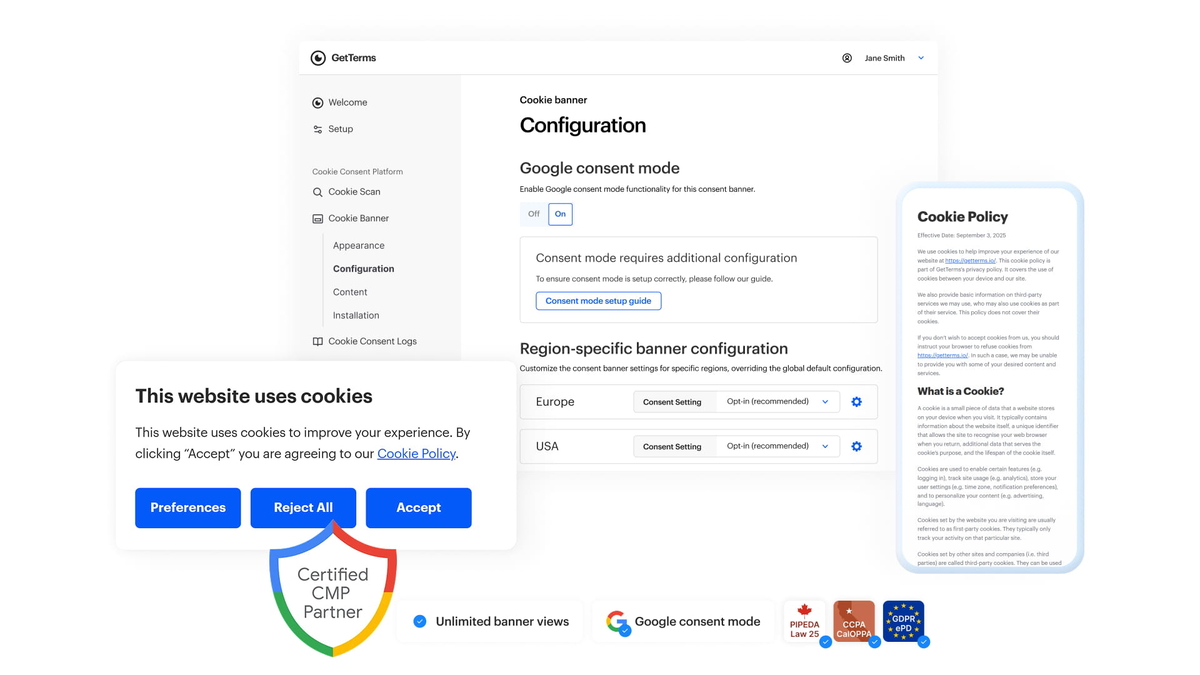
A cookie consent banner you can add to your site, so visitors can actively accept or reject certain categories of cookies.
A cookie policy that explains, in plain language, what each type of cookie does.
Options to adjust the text, appearance, and behavior of the banner to better fit your brand and UX.
Picture a small online shop owner who knows they “should probably have that cookie popup” but has no idea what it needs to say or how to structure it. With GetTerms, they get both the banner behavior and the underlying policy text handled in one place, instead of piecing together scripts and legal text from multiple sources.
Easy publishing and maintenance
Creating the policy is only half the battle; you still have to get it onto your website or app in a maintainable way. GetTerms gives you a few different options here:
Copy‑and‑paste text directly into a page on your site.
Use HTML or Markdown versions of the policies if you prefer to control formatting yourself.
In many cases, embed the policy via a snippet so updates on GetTerms propagate automatically, without you having to manually edit every site.
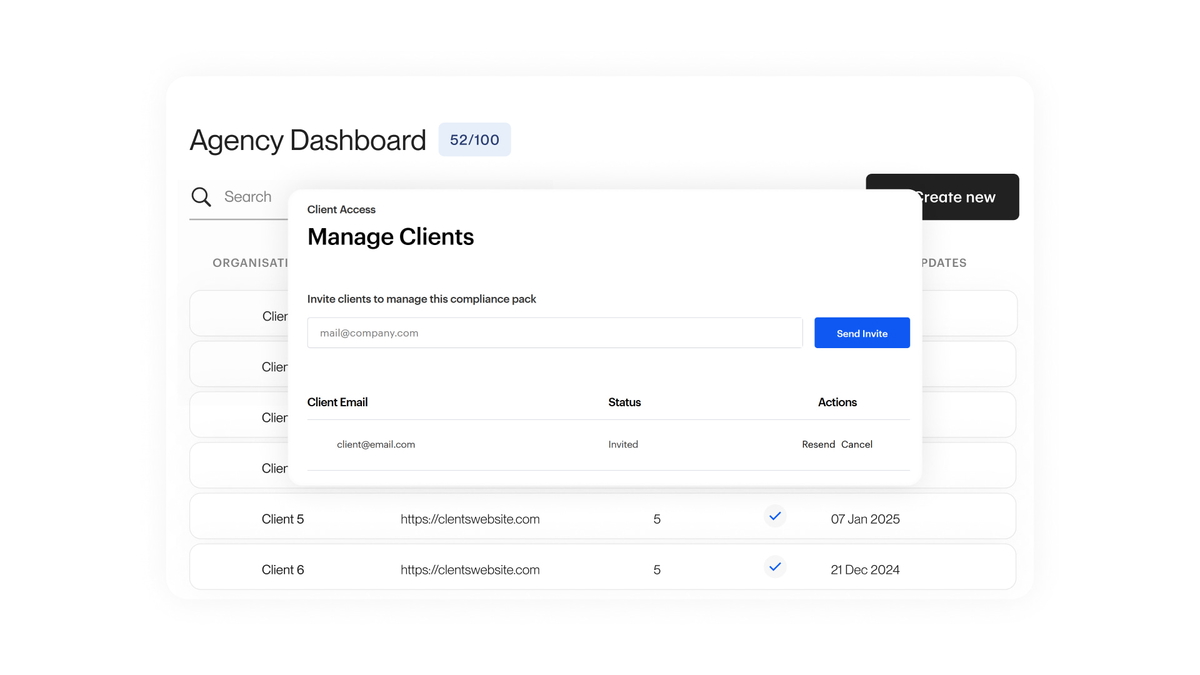
For WordPress users and other common CMS platforms, this is especially helpful. Instead of juggling multiple versions of your policy across dozens of client websites, you can rely on a more centralized, update-friendly approach powered by GetTerms.
Designed for non‑lawyers
One subtle but important detail: the tone and structure of policies generated by GetTerms are intentionally readable. They’re still legal documents, of course, but they’re not written like a dense contract from the 1980s.
Sections are typically broken into clear headings, short paragraphs, and straightforward explanations. Visitors can quickly see:
What information is collected.
Why it’s collected.
Who it’s shared with.
What their rights are.
How to contact you with questions.
This isn’t just good UX; it also lines up with the spirit of modern privacy laws, which expect transparency and clarity rather than burying users in incomprehensible text. In other words, GetTerms doesn’t just help you tick a compliance box—it helps you actually communicate responsibly with your audience.
A realistic everyday use case
To tie it all together, imagine this scenario:
You’re launching a new SaaS tool. You’ve handled the product, the landing page, the onboarding flow, and the payment integration. Everything is ready—until someone on the team asks, “Do we have a privacy policy and terms of service yet?”
Instead of delaying launch while you scramble through legal blogs or overspend on custom drafting, you:
Open GetTerms.
Fill in your company name, URL, and some details about what data you collect and which tools you use.
Select the laws and regions that matter to your user base.
Generate your privacy policy, terms and conditions, and cookie policy.
Embed or paste them into your site, add the cookie banner, and push the updated pages live.
In a single afternoon, the “legal pages” checkbox is ticked in a way that’s structured, consistent, and far more defensible than grabbing a random copy‑pasted policy from someone else’s website.
Click Here To Learn More About GetTerms
GetTerms Appsumo Lifetime Deal
 Juggling multiple tools to meet data compliance requirements keeps you busy, not protected. Switch to GetTerms, an all-in-one solution that lets you manage user consent and policies from one dashboard. GetTerms Appsumo Deal
ONE-TIME PURCHASE OF $79 $499
Best for: Developers, Small businesses, Web design agencies
How To Get an Extra 10% Discount on GetTerms?
- Visit the “GetTerms Lifetime AppSumo Deal” page.
- Wait for some seconds, An Discount popup will appear.
- Enter your Email to receive the exclusive benefits.
- Check Your Email Inbox For Next Instructions.
- Get a $10 discount at the end.
- Or Use Coupon Code: SUMOCHAT10
- Discount valid for new users only.
So if the main price of GetTerms is $79, after getting a 10% discount you can buy it for $71 for your Lifetime. hurray !!!
 Do you Want 10% Discount On All Appsumo Products?
Click Here To Join On Appsumo Plus !
So, is GetTerms a magic wand that replaces lawyers forever? No—and it doesn’t pretend to be. But for most website and app owners who just need solid, well-structured, compliance-aware policies without drowning in legalese, GetTerms is a genuinely practical solution that turns a stressful task into a manageable one.
Alert !
Most deals are out of stock within a week of coming to Appsumo. So take it now if you need it. Also, check the amazing deal On this Site.
Also Check Out “CardClan Lifetime Deal – Send personalized digital cards at scale” Review!