SubEasy.ai Review: The Quiet Revolution in AI Subtitling and Transcription
Let’s be honest—most of us have wrestled with subtitles at some point. Maybe you’re a YouTuber editing late at night, trying to manually sync lines that never quite match the speaker’s mouth. Or maybe you’re a teacher recording lessons for an online class, spending hours transcribing every “uh” and “you know.” Either way, subtitles can be a pain. That’s exactly where SubEasy.ai steps in, and surprisingly, it does so with an elegance that feels… human.
The First Impression
When I first stumbled upon SubEasy.ai, I didn’t expect much. The internet is filled with tools that claim to generate accurate subtitles “in seconds.” Usually, they either butcher accents, mess up punctuation, or leave you editing for hours after the fact. But SubEasy caught my attention because of how clean and approachable it felt. No cluttered dashboard, no twenty-button menus—just upload your video, grab a coffee, and let it work its quiet magic.
The interface has this calm confidence. You don’t feel like you’re about to wrestle with software; you feel like you’re handing off a chore to a capable assistant. Within minutes, it delivered a transcription that made me raise an eyebrow—not because it was perfect, but because it was really close. And that’s where SubEasy stands apart. It doesn’t try to be flashy. It just… works.
The Heart of It—Transcription That Feels Effortless
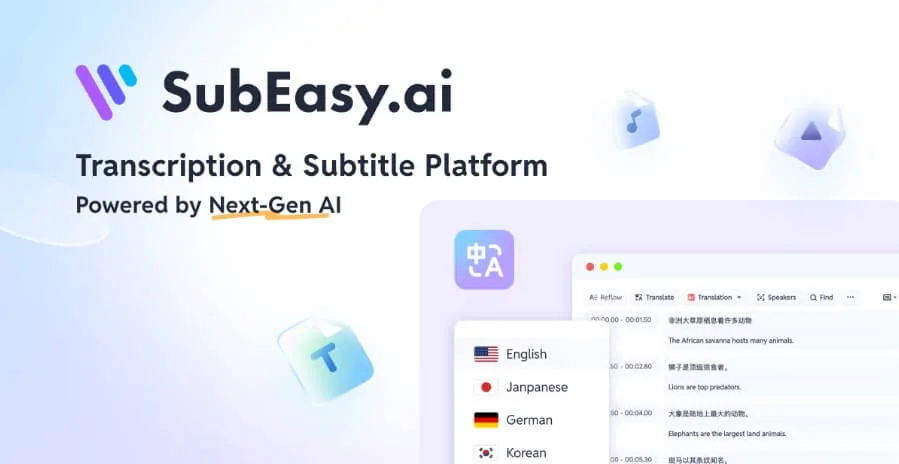
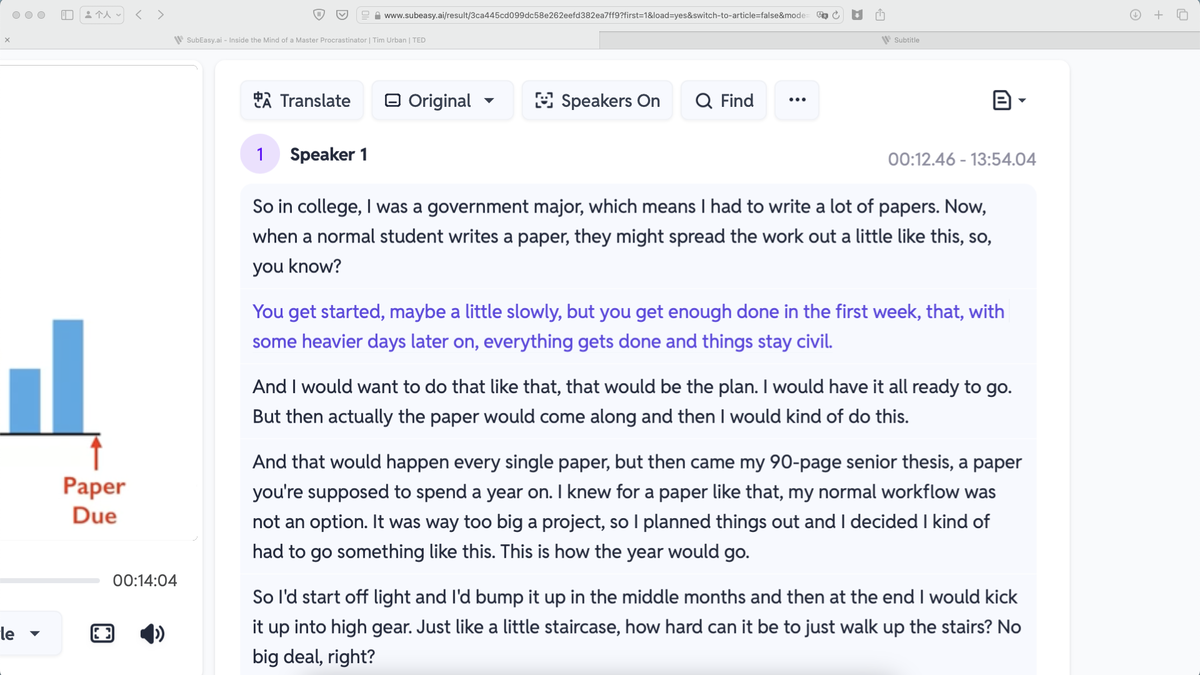
SubEasy.ai’s core strength lies in its transcription accuracy. It uses advanced AI models to convert speech into text, but more importantly, it seems to “understand” conversational flow. The punctuation feels natural, the line breaks make sense, and it even handles those tricky overlapping dialogues better than you’d expect.
For instance, I tested it on a podcast episode—two hosts speaking over each other, occasional laughter, background café noise, the works. The result? It didn’t crumble. Sure, it missed a couple of words here and there, but overall, the output was astonishingly readable. I barely needed to tweak anything.
What’s particularly refreshing is how SubEasy handles different accents. I fed it a clip featuring a Scottish speaker (which usually confuses AI models), and while it stumbled slightly on regional slang, it still maintained coherence. That alone would make many video editors breathe a sigh of relief.
A Translation Tool That Understands Context
Now, subtitles aren’t just about what’s said—they’re about how it’s said. Literal translations can ruin humor, nuance, or emotional tone. SubEasy.ai seems to know that. When I tested the translation feature on a short Spanish interview, it didn’t just convert the words—it carried the feeling.
For example, a line like “No me lo puedo creer” (literally “I can’t believe it”) came through as “You’ve got to be kidding me.” A small thing, but that’s the difference between robotic translation and one that feels human. It’s as if the system has been trained to care about storytelling, not just accuracy.
If you’re someone who creates multilingual content—say, English and Hindi vlogs, or French and Arabic tutorials—this feature alone could save you hours of post-production time.
Real-Life Scenarios That Show Its Worth
Picture this: You’re a small business owner recording weekly product demos. You want to post them on social media, but you know videos with subtitles perform better (because most people scroll on mute). Normally, that means hiring a freelancer, waiting a few days, and paying a small fortune. With SubEasy, you upload your file, wait a bit, and your subtitles are ready before lunch.
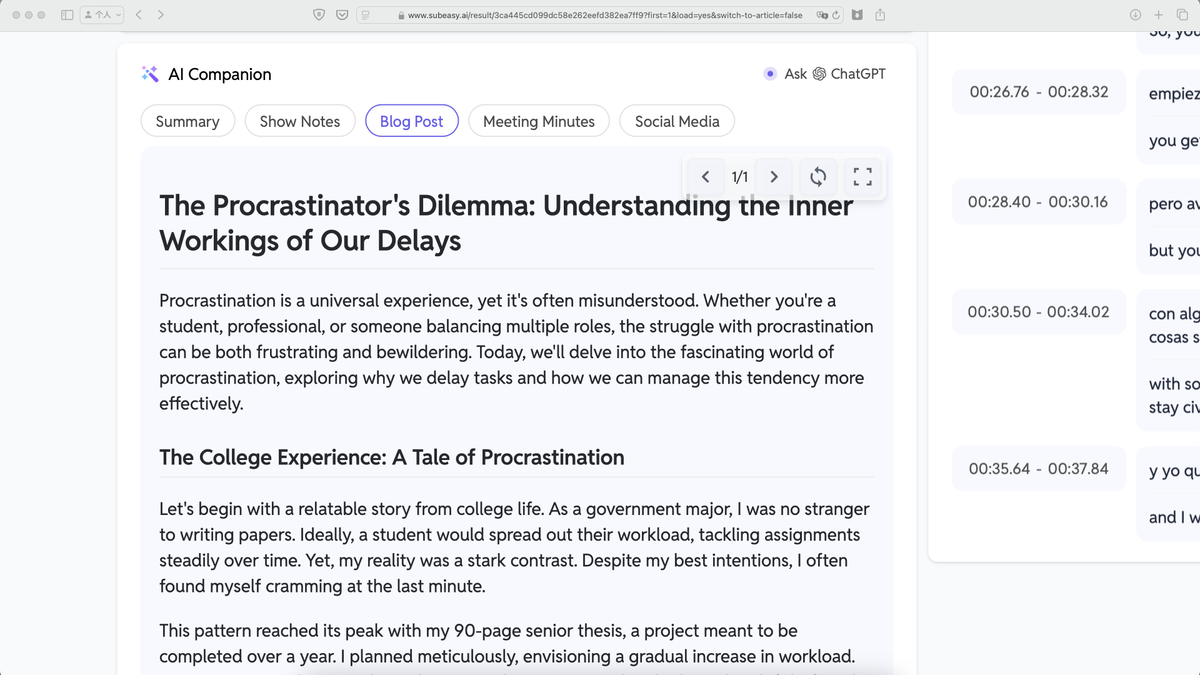
Or take educators. Online teachers often spend evenings transcribing lectures so students with hearing difficulties can follow along. SubEasy turns that tedious process into a one-click solution. You can even edit text directly in the platform—like fixing names or technical terms—before exporting.
And then there are podcasters. The ones juggling multiple audio tracks, cross-talk, and inside jokes. SubEasy handles that chaos with surprising grace. The transcription flows like a natural conversation instead of a messy wall of text.
Style and Customization—The Little Details That Matter
Subtitles are not just functional; they’re visual too. Ever watched a Netflix show with perfectly timed, well-styled captions? It enhances the viewing experience. SubEasy seems to understand this subtlety.
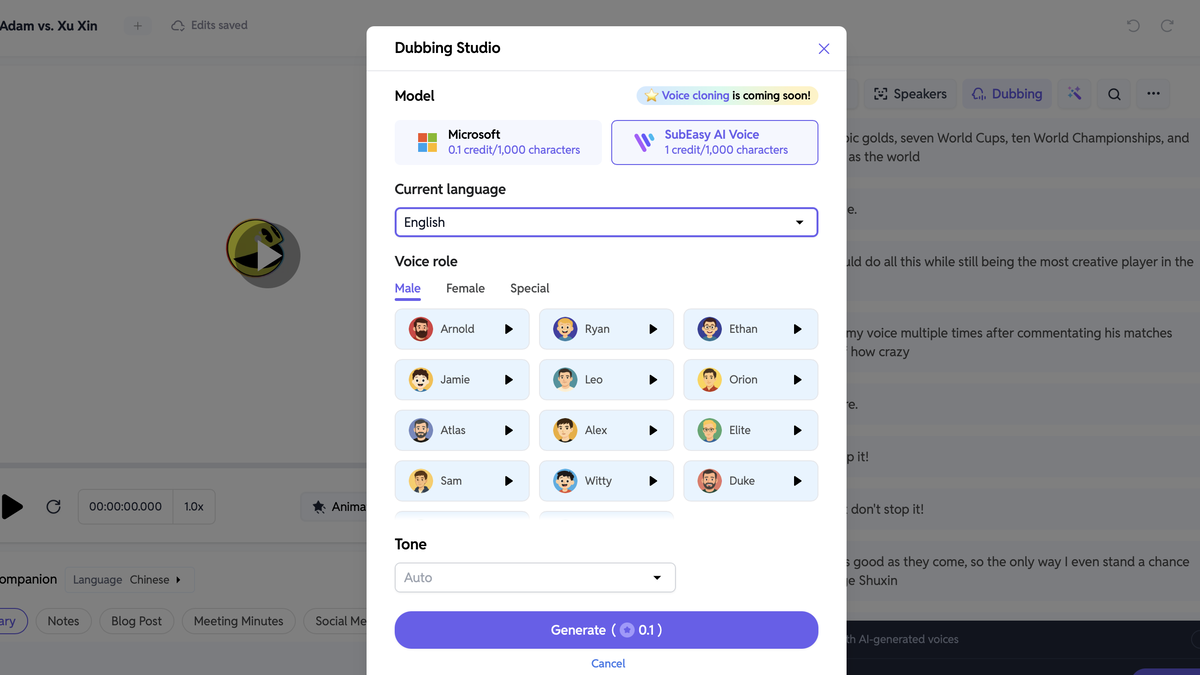
You can adjust line breaks, add color, tweak timing, or choose different display styles. It gives you enough creative freedom without turning it into a technical project. There’s a sense of balance—simplicity for beginners, depth for professionals.
And here’s the kicker: the line reflow feature. Instead of dumping long sentences on screen, SubEasy automatically splits them in readable chunks. So instead of:
“I don’t think that’s the right way to handle this conversation honestly.”
You get:
“I don’t think that’s the right way
to handle this conversation, honestly.”
Tiny difference. Massive impact.
AI That Learns the Human Touch
Many AI transcription tools feel mechanical because they don’t adapt. SubEasy feels different. The more I used it, the more I noticed subtle improvements. It started recognizing names from my past uploads, formatting recurring phrases better, and maintaining consistent tone. It’s like the tool quietly learns your style over time.
That’s what makes it feel less like software and more like an assistant who remembers how you like things done.
Ease of Use and Accessibility
SubEasy.ai’s biggest charm is that you don’t need to be a tech wizard to use it. You can literally drag and drop a file, and it takes care of the rest. The design is clean, intuitive, and free from clutter.
Even people who aren’t particularly “techy”—say, teachers, journalists, or small creators—can get professional-quality subtitles without reading a manual or watching a tutorial.
And yes, it supports multiple file formats, including MP3, MP4, MOV, and WAV. So whether you’re uploading a Zoom call, an Instagram reel, or a full documentary, SubEasy doesn’t complain.
When Things Get Imperfect (and That’s Okay)
No tool is flawless, and SubEasy isn’t pretending to be. It sometimes struggles with heavily distorted audio, or speakers talking at lightning speed. A thick accent mixed with background noise can still trip it up. But let’s face it—so would most humans.
What matters is how recoverable those errors are. In SubEasy’s case, they’re easy to fix. You can edit directly in the text window, see real-time changes, and re-sync the subtitles instantly. That kind of flexibility makes imperfections feel manageable rather than frustrating.
The Human Element Behind the Machine
What’s fascinating about SubEasy.ai is its philosophy. It wasn’t just built to automate work—it was designed to make storytelling accessible. There’s a sense that the creators wanted to help people express ideas across languages and platforms without losing authenticity.
And in a world where AI tools often feel cold or corporate, SubEasy feels… personal. It’s the kind of software you can tell was built with care, not just code.
Click Here To Learn More About SubEasy
SubEasy Appsumo Lifetime Deal
 Video content can only go so far if it’s not accessible to global audiences. That’s why SubEasy.ai helps you accurately transcribe and caption your videos in 100+ languages. SubEasy Appsumo Deal
ONE-TIME PURCHASE OF $49 $89
How To Get an Extra 10% Discount on SubEasy?
- Visit the “SubEasy Lifetime AppSumo Deal” page.
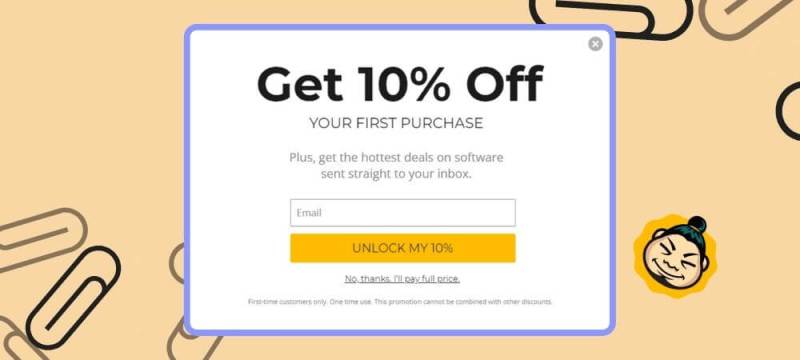
- Wait for some seconds, An Discount popup will appear.
- Enter your Email to receive the exclusive benefits.
- Check Your Email Inbox For Next Instructions.
- Get a $10 discount at the end.
- Discount valid for new users only.
So if the main price of SubEasy is $49, after getting a 10% discount you can buy it for $44 for your Lifetime. hurray !!!
Do you Want 10% Discount On All Appsumo Products?
Click Here To Join On Appsumo Plus !
Final Thoughts
If you’re looking for a tool that feels smart, reliable, and genuinely helpful, SubEasy.ai is worth a serious look. It doesn’t scream for attention; it quietly earns your trust. It bridges the gap between technology and creativity, letting you focus on your message rather than your mistakes.
Sure, it won’t replace human editors entirely (and it shouldn’t), but it’s an incredible partner for anyone working with audio or video content. Whether you’re a content creator, educator, podcaster, or filmmaker, it’s one of those rare tools that makes your job feel lighter.
In a world chasing perfection, SubEasy reminds us that sometimes, the best kind of tech doesn’t need to be flashy—it just needs to make life easier. And that’s exactly what it does.
Alert !
Most deals are out of stock within a week of coming to Appsumo. So take it now if you need it. Also, check the amazing deal On this Site.
Also Check Out “Easify Lifetime Deal – All-in-One Business Management Tool” Review!